
Manage polls
Open Democracy Poll → Polls to search, edit, activate, close, or delete polls.
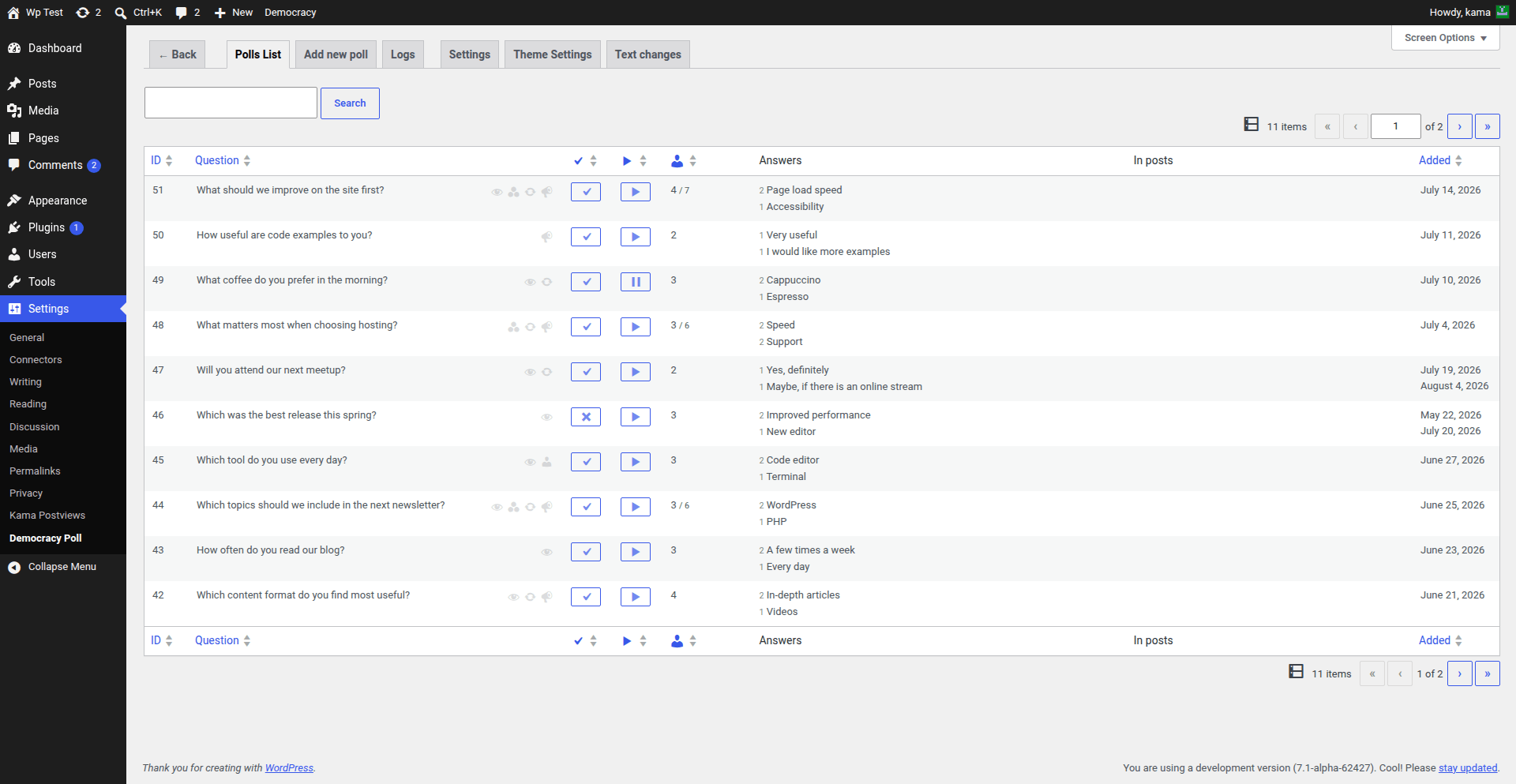
Poll states
- Active polls may be selected when the plugin displays a random active poll.
- Inactive polls remain available by ID but are excluded from random active selection.
- Open polls accept votes, subject to their voting rules and closing date.
- Closed polls no longer accept votes. A closed poll cannot be activated until it is reopened.
Poll options
Each poll can override several global defaults:
- allow visitors to add answers;
- allow voters to change their vote;
- restrict voting to registered users;
- show or hide results while voting remains open;
- accept multiple answers;
- choose the answer order;
- set a closing date;
- add a note below the poll.
Vote totals can be edited on the poll screen. When logs are available, leaving the vote field blank recalculates the total from the logs.
Attach a poll to a post
The plugin adds a poll metabox to posts unless Disable post metabox is enabled. An attached poll can be selected with id="current", and the widget can automatically use it on singular pages.